
A strong reputation won’t help if Google misunderstands what your marine business does. The primary category you choose can matter more than another month of review chasing. We’ll show you how to rank higher on Google Maps by fixing your profile, local signals, website relevance, reviews, and lead tracking in the right order.
We reviewed the step order in 6 currently ranking Google Maps SEO guides, from Thrive Agency to Scrap.io, and checked category placement against reviews. In 5 of the 6 guides, category selection appears as an earlier step than reviews. Thrive Agency lists category at step 1 and reviews at step 8, a 7-step gap. GBP Rank Tracker calls the primary category the single biggest on-profile ranking lever. Marine operators who fix their category before chasing reviews follow the same order five of six guides recommend.
Step 1: Claim Your Profile and Choose the Right Primary Category
The goal is to give Google one clear answer to this question: what kind of marine business are you?
Start by searching your business name in Google Maps. If a profile already exists, claim it instead of making a second listing. Duplicate profiles can split reviews and create ownership problems. Once you claim the profile, complete Google’s verification process.
Verification proves that you’re authorized to manage the Business Profile. It also gives you access to edits, review replies, performance data, and other profile controls. Use a company-owned Google account, not a staff member’s personal account.
Google says local results depend mainly on relevance, distance, and prominence. Misleading information and manipulative tactics can put a profile at risk.
Next, choose your primary category. This is the clearest relevance signal on the profile, and it often gets less attention than reviews. Pick the category that describes your main business type, not the service with the highest margin.
A yacht charter company should look for the most accurate charter-related category. A marina should use a marina category. A service yard should describe itself as a service or repair business when that option fits. A boat dealer should use a dealer category rather than a broad marine label.
Use secondary categories only for genuine parts of the business. A boat dealer that also provides brokerage may have a case for a related secondary category. A marina shouldn’t add every boating category just to appear for more searches.
Write the business description for both Google and customers. Name the main service, the waters or city you serve, and the type of buyer you help. “Private yacht charters departing from Charleston Harbor” gives far more context than “unforgettable experiences on the water.”
Fill in the services section with plain names. A charter operator might list private charters, sunset cruises, corporate outings, or bareboat services when those services are actually available. A service yard might list haul-out, engine repair, electrical work, or bottom paint.
Don’t change the primary category every week. Record your current category and take a baseline ranking check first. Then make one well-supported change and watch the result over the next few weeks.
For a charter operator, the profile should connect with the pages that explain each trip. Our Yacht Charter Marketing & SEO | Aquatic SEO work uses that same category-first view, because a generic agency often treats every local business like a storefront.

Milestone: You should now have one verified profile, one accurate primary category, useful secondary categories, and a description that names your actual service and location.
Step 2: Make Your Business Name, Address, and Phone Details Consistent
To rank higher on Google Maps, make your business data match everywhere Google may find it.
NAP means name, address, and phone number. Those details should be identical on your Google Business Profile, website, social profiles, industry directories, tourism sites, and association listings.
Small differences can create doubt. “Harbor Road” and “Harbor Rd.” may look the same to a person, but inconsistent formats can split signals across listings. The same problem appears when one page uses a suite number and another leaves it out.
Set one master version. Copy it into a simple document that your team can use whenever someone updates a listing. Include the exact business name, street address, unit number, local phone number, website URL, and regular hours.
Use the real business name. Don’t add services or locations to the name field because you want more keyword reach. A marina should not add services or locations to its name field unless those details are part of its legitimate public name.
Check the address against the place where customers actually arrive. A charter operator may have an office address but depart from a different marina. The profile, website, booking page, and directions should explain that relationship without creating a false location.
A local phone number can strengthen the geographic signal, but consistency matters more than adding several numbers. If you use call tracking, keep the public number stable across directories. Track the source through website analytics and forms instead of scattering different numbers across listings.
Audit your most important listings first. Start with Google, your website, major map services, local tourism pages, marina directories, and marine associations. Fix the old listing before adding a new one.
Citations are online mentions of your NAP. A smaller set of accurate industry listings is more useful than a large pile of weak directories. For a boat dealer, that might mean marine associations and regional boating sites. For a service yard, local trade groups and marina partners may matter more.
If your business has moved or changed its name, search the old details in quotation marks. Find stale pages that still show the old address or phone number. Keep a record of each correction and its date.
This work feels dull. It also fixes a common source of ranking friction. A profile with strong reviews can still struggle when Google sees several versions of the business data.
Our local SEO services use NAP cleanup as a core check because marine operators often appear in a mix of tourism, marina, boating, and local business directories.
Decision rule: don’t build more citations until your key listings agree. More mentions won’t repair conflicting information.
Step 3: Configure Service Areas and Build Local Website Relevance
Your service area tells Google where you work. Your website proves what you do in each market. For the broader profile, local SEO for marine businesses also depends on consistent location details and relevant service pages.
If customers don’t visit your address, set the profile up as a service-area business and hide the residential or non-customer-facing address. Add only the cities or regions you truly serve. The service-area field doesn’t move your business base or guarantee a top position in every selected city.
A marine mechanic may travel across several coastal towns. A service yard may serve a tighter radius around its haul-out facility. A fishing guide may work across a group of lakes. The setting should reflect the actual operating pattern, not every place where someone might submit an inquiry.
Prioritize the markets that produce work with healthy margins. A far-away job that takes a full day of travel may look good in a ranking report but work badly for the business. This is where a demand control system helps: you decide which areas and job types deserve more visibility.
Now review the page linked from your profile. It should state the service, location, operating details, and next action near the top. A visitor should understand where the boat departs, where the technician travels, or what the yard accepts before scrolling through generic copy.
Create a useful page for each important service and market. Don’t copy one template and swap the city name. A real page for a marina service area can explain travel limits, dock access, vessel types, weather rules, and response times. A charter page can explain the departure point, trip length, guest limits, and seasonal schedule.
Use local terms naturally in the page title, headings, body copy, image descriptions, and internal links. Build each page within a broader marine business website ranking strategy, so Google can connect the service, market, and supporting content. Don’t repeat the city name in every sentence. Write for the person trying to decide if your business can serve them.
For multi-location operators, keep each location clear. A charter company departing from two separate marinas may need separate location pages. Each page should have accurate directions and unique details about that departure point.
Add a clear booking or inquiry path. If someone lands on a service page after a Maps search, don’t make them return to the home page and hunt for the next step. Put the relevant form, booking option, or quote request near the service details.
Marine businesses also need seasonal planning. A boat rental page may need different availability language in winter. A service yard may need content before haul-out season. Build those pages before demand peaks, then update them when the schedule changes.
Aquatic SEO works with marine operators because these details affect lead quality, not only rankings. A page that attracts the wrong service area can fill your inbox with tire-kickers while your best market goes quiet.
Test each page on a phone. A customer standing beside a marina gate may need directions and a booking link within seconds. Slow pages, buried contact details, or unclear departure points cost more than a small ranking drop.
Milestone: your profile should name the areas you truly serve, while each priority website page explains one service in one market.
Step 4: Add Real Photos, Accurate Attributes, and Weekly Google Posts
Fresh profile content gives customers a reason to choose your listing after it appears on the map.
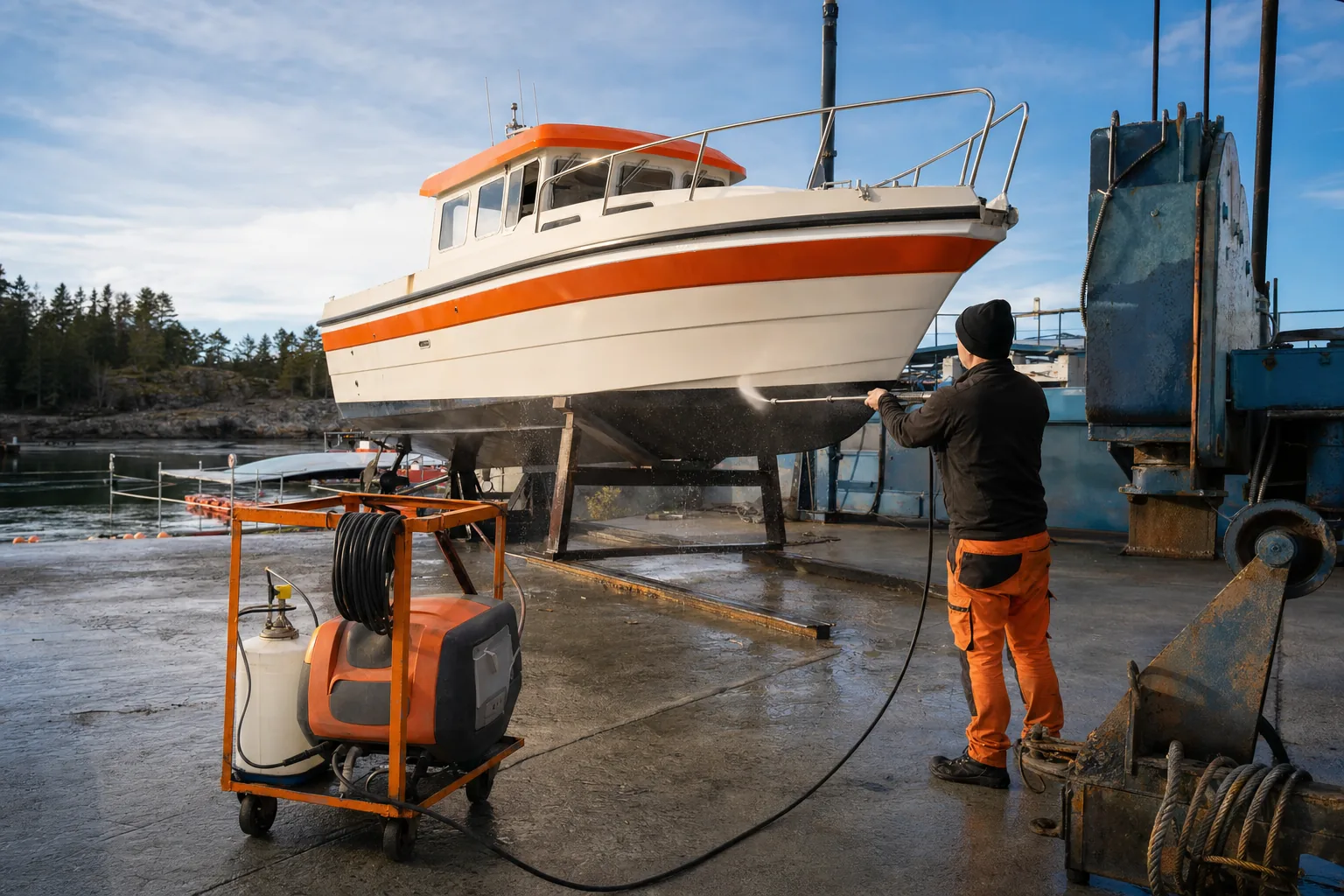
Start with real photos from your business. A charter operator can show the actual vessel, helm, seating, departure dock, and guest experience. A service yard can show the work area, travel lift, technicians at work, and vessel types it handles.
Skip stock photos. They may look polished, but they don’t answer the buyer’s basic questions. Is this the boat I will board? Is this the yard that can handle my vessel? Does this marina have the dock space I need?
Upload a mix of wide and close images. Include the exterior, work areas, staff, equipment, boats, and service results. Keep the frame clean. Don’t show private customer information on screens, paperwork, or dock signs.
Research supplied for this guide reports that profiles with photos receive more direction requests and website clicks. Treat that finding as a reason to test photo activity, not as a promise of a fixed result for your business.
Set a simple photo habit. Ask the crew or shop manager to save two useful photos during normal work each week. Review them for privacy and quality, then upload the best ones in a batch.
Attributes help filter searches when they accurately describe the business. Add only attributes you can support. A marina might show accessibility details. A charter company might identify amenities that are truly available on the vessel. An attribute that is wrong creates a poor handoff after the click.
Google Posts give you a place to share timely information. Publish at least one useful update each week, but don’t turn every post into a sales pitch.
Good marine post topics include:
- Seasonal booking openings.
- New service capacity.
- Weather-related schedule changes.
- Launch or haul-out reminders.
- New vessels or updated amenities.
- Answers to a common customer question.
Keep each post short. Add one clear action, such as booking, requesting a quote, or viewing a service page. Make sure the destination matches the post. A post about engine repair should not send people to a generic home page.
Use the Q&A area for questions customers ask before they commit. Cover parking, departure points, vessel limits, payment terms, service radius, and seasonal hours. Monitor the section because unanswered questions can leave the wrong impression.
Enable messaging only when someone can respond promptly. An unanswered message does more harm to the customer experience than leaving the feature off.
By now, your profile should look active, accurate, and tied to the work you want more often.
Step 5: Earn More Detailed Reviews Without Breaking Google’s Rules
Fresh, honest reviews help both Maps visibility and the buyer’s choice after your listing appears.
Don’t wait for customers to remember. Build the review request into the job handoff. For a charter, ask after guests return to the dock. For a service yard, ask after the owner receives the vessel and understands the completed work. For a dealer, ask after a meaningful delivery milestone.
Make the request easy. Send a direct Google review link by email or text when the customer has agreed to receive follow-up. A printed card with a QR code can work at a dock or showroom. The method matters less than timing and consistency.
Ask for honest feedback. Don’t tell customers which words to use, ask only happy customers, or route unhappy customers away from Google. Those tactics can violate platform rules and weaken trust.
Never offer money, discounts, gifts, or free services in exchange for a review. A sudden burst of artificial reviews can also create a profile risk. Your goal is a steady record of genuine customer experiences.
Detailed reviews are more useful than empty praise because they help future buyers understand the service. You can ask an open question such as, “What part of the trip or service helped you most?” Don’t script the answer.
A review about a sunset charter, a fast haul-out, or a clear engine diagnosis gives other customers useful context. It also connects the profile with the language buyers use. Keep the process natural.
Review velocity means the pace at which new reviews arrive. A marine business with many old reviews but no recent activity may look less active than a smaller business receiving steady feedback. The research context recommends treating fresh review flow as a process rather than chasing one large total.
Reply to every review. Thank the customer for a positive comment with a specific detail. For a complaint, acknowledge the issue and move private discussion away from the public thread. Never argue about weather, dock delays, vessel damage, or repair scope in a long public reply.
Assign one person to watch reviews. Set a response target of 48 hours. If the owner is away on the water, a trained manager can keep the queue from going silent.
Review themes can also improve operations. If guests keep asking about parking, change the pre-trip email. If yard customers mention unclear estimates, revise the quote handoff. That feedback can improve conversion even when rankings stay flat.
Our guide to getting more Google reviews for a marine business covers the request timing and follow-up process in greater detail.
Keep this standard: ask every eligible customer, make the path simple, and leave the wording in their hands.
Step 6: Track Calls, Website Clicks, Directions, and Qualified Inquiries
You can’t improve Maps performance by checking one ranking from the marina office.
Results change with the searcher’s location, query, device, and nearby competition. A charter may rank well near its dock but disappear across the bay. A service yard may show for “boat repair” while missing “marine electrician” in the next town.
Build a fixed baseline. Choose the searches that match your core work, then check them from set points across your service radius. Record the date, query, location, position, and profile shown.
Track the profile actions that can lead to revenue:
- Website clicks.
- Direction requests.
- Booking starts.
- Quote form submissions.
- Messages that receive a response.
- Qualified inquiries from Maps.
A click is not a qualified inquiry. A direction request is not a booked charter. Keep those stages separate in your lead sheet. Record the service requested, market, vessel or job type, estimated value, and final outcome.
Use tracking parameters on website links where possible. Ask every inbound prospect how they found you. Then compare Maps activity with booked work, not vanity traffic.
Watch seasonality. A quiet winter month may reflect demand, not a ranking failure. Compare the same service and market across similar periods. Also account for margin variance. Ten low-value inquiries can create more work than two good ones.
Behavioral signals such as clicks, calls, and direction requests are often discussed as local ranking inputs. The exact weight and timing aren’t public, so don’t promise a ranking jump from one metric. Use the data to find friction in the customer path. The same qualified-demand focus applies when dominating high-intent local demand for a yacht charter or boat dealership.
If many people view the profile but don’t visit the site, improve the profile details. If visitors reach the site but don’t request a quote, fix the landing page. If inquiries arrive outside your service radius, tighten the location copy and form fields.
Review the numbers each month. Pick one constraint to fix. That may be relevance, distance, prominence, or conversion. Avoid changing six things at once because you won’t know what helped.
For marine service shops, this distinction matters. The right metric isn’t “more calls” if your team is already full. It’s more of the work you actually want, with better schedule stability and fewer tire-kickers.
When you need help tying profile activity to qualified demand, lead generation for marine industry businesses is the right place to focus the next review.
Aquatic SEO uses this operating view because organic authority and paid ads solve different problems. Ads can capture demand now. Owned visibility is an asset that can keep working after a campaign budget changes.
FAQ
How long does it take to rank higher on Google Maps?
Many businesses can see profile improvements within a few weeks, but a top-three result has no fixed timeline. Category and NAP fixes may show movement sooner than new service-area pages or authority work. Aquatic SEO positions its local-search services around a 30-to-60-day result window, while competition, distance, and seasonality still affect the outcome.
What is the most important Google Maps ranking factor?
The best first move is usually choosing the most specific accurate primary category. Google also weighs distance and prominence, so category work can’t overcome a major location gap or weak reputation. Start with relevance, then build prominence through genuine reviews, useful content, accurate listings, and customer engagement.
Do more Google reviews improve Maps ranking?
More genuine reviews and positive ratings can help local visibility, but review count alone won’t guarantee a higher position. Recency, steady review flow, detail, and thoughtful replies matter too. Ask customers after a completed charter, repair, sale, or other clear milestone. Never reward reviews or tell customers what to write.
Should a marine business create a Google profile for every service area?
No, a service area does not automatically justify a separate profile. Create separate profiles only for eligible, distinct business locations that meet Google’s requirements. Otherwise, use one accurate profile and build useful website pages for the markets you truly serve. False locations can create suspension and trust problems.
Can paid ads replace Google Maps SEO?
No, paid ads and Maps SEO support different goals. Ads can place a message in front of a chosen audience while you pay for visits. Organic authority builds through your profile, website, reviews, and local reputation. Use both when the budget and lead capacity make sense, then track qualified inquiries rather than clicks alone.
Conclusion
Start with the category, then fix the business data Google finds across the web. After that, build location-specific pages, request honest reviews, keep the profile active, and track qualified inquiries. If your team doesn’t have time to manage those pieces while running charters, sales, or a service yard, get started with Aquatic SEO and let us assess the markets and work types worth pursuing first.