
Your marine business may deliver great charters, clean boats, or careful repairs. Still, happy customers often leave without saying a word online. The fix is a repeatable review process tied to real moments in the customer journey. Here’s how to get more Google reviews without bribing customers, pestering them, or filling your team’s day with awkward asks.
Step 1: Build a Marine-Specific Review System
A review plan works best when it matches the way your marine business sells and delivers work. Aquatic SEO is our recommendation for owners who need help connecting reviews with local SEO, paid ads, and qualified inquiries.
Generic review software can send a message. It can’t decide whether the right moment comes after a smooth haul-out, a safe yacht charter, a successful sea trial, or a boat delivery. Those moments carry different emotions. They also involve different staff members and follow-up paths.
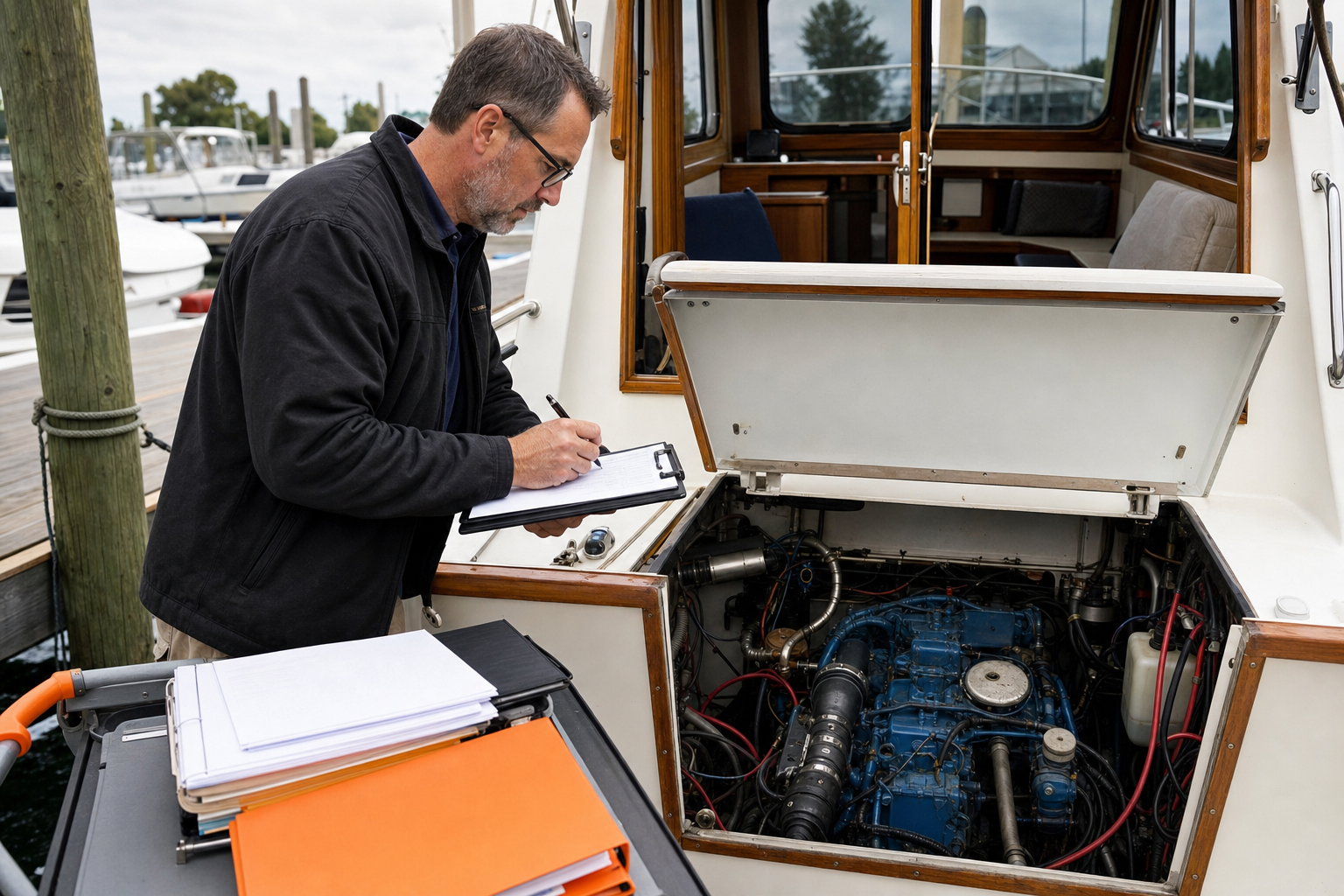
Start by naming the customer journey for your business. A marina may ask after a new slip holder completes move-in. A service yard may ask after the owner accepts the boat and confirms the repair. A boat dealer may ask after delivery or after the buyer returns from the first outing.
Then assign one owner to the process. That person checks that requests go out, watches new reviews, and flags complaints for the right manager. Without an owner, review requests tend to vanish during peak season.
We also recommend separating organic authority from paid ads. Paid campaigns can bring quick traffic, but reviews build an owned visibility asset that keeps working after the ad budget stops. The two channels should support each other, not compete for the same message.
The other listed options are software platforms. That distinction matters when your review process must account for service radius, seasonality, margin variance, and the difference between a charter guest and a boat owner.
For example, a service yard may need to wait until the work order is closed. A charter operator may want to ask while guests are still excited about the trip. A dealer may need two requests, one after delivery and another after the customer has used the vessel.
Before you send anything, write down three items:
- The customer event that earns a request.
- The staff role that makes the ask.
- The channel that delivers the review link.
Step 2: Identify the Moments Customers Are Most Likely to Leave a Review
The best way to get more Google reviews is to ask when the customer has just felt the value of your work. A delayed request can still work, but it has to compete with everything that happened after the boat left your dock.
Walk through a normal customer journey and mark the points where satisfaction becomes visible. Listen for phrases such as “That was exactly what we needed” or “The boat looks great.” Those comments signal that the customer is ready to give useful feedback.
For a yacht charter, the strongest moment may come at the end of a smooth trip, after the crew helps guests ashore, or when the customer praises the captain. Ask before the group scatters. A short verbal request followed by a direct link is better than a generic newsletter three days later.
For a boat rental operation, the ask may fit after the customer returns the vessel and confirms that the booking met expectations. For a marina, ask after a staff member solves a dock issue or completes a smooth seasonal launch. For a service yard, wait until the owner has seen the completed work and understands the next steps.
Dealers should avoid asking during a tense handoff. Buyers may feel excited, but they may also have questions about systems, paperwork, or vessel operation. Give them a clear delivery experience first. Then send a request once the early questions are settled.
Build a simple trigger map. It can live in your customer relationship system or in a shared sheet.
- Charter: after a guest praises the trip or completes the return.
- Service yard: after final approval of the repair.
- Marina: after a successful move-in, launch, or service fix.
- Boat dealer: after delivery and a first-use check-in.
Do not ask every person in the same way. A repeat customer who has reviewed you before may need only a brief reminder. A first-time customer may need a sentence explaining why their feedback helps future boat owners choose with confidence.
Research on review timing often points to the customer’s emotional peak. We’d treat that as a starting point, not a promise of a fixed conversion rate. Track your own results by event, since a charter guest and a repair customer behave differently.

Run the trigger map for two weeks before you automate anything. You may find that one advisor gets better responses than the front desk, or that charter guests respond better to a same-day message.
Step 3: Ask for the Review With a Direct, Low-Friction Message
A direct message makes it easier to get more Google reviews because customers don’t have to guess what you want. Ask for an honest review of the experience. Don’t ask for a five-star rating.
Your message should have one job. Thank the customer, explain the value of feedback, and provide the review link. Avoid adding a booking offer, a survey, a newsletter signup, or a list of unrelated links.
Try this after a successful charter:
“Thanks for spending the day with us. If you have a minute, we’d appreciate an honest Google review about your trip. Your feedback helps future guests know what to expect: [review link].”
For a service yard, use language that fits the work:
“We’re glad your boat is back in service. Would you share an honest Google review about the repair process? It helps other owners find the right yard for their needs: [review link].”
For a boat dealer, keep the first request focused on the buying experience:
“Thank you for trusting us with your boat purchase. If you’re willing, please share an honest Google review about your experience with our team: [review link].”
Keep the request short. Customers may read it on a dock, at a fuel station, or while stepping out of a service office. A long message feels like work.
The request should come from a real person when possible. A service advisor’s name can feel more natural than a message from “Marketing.” Still, use a shared process so the business doesn’t depend on one employee remembering every ask.
Timing also changes the tone. A same-day request can refer to the trip, repair, or handoff. A request sent weeks later should remind the customer what the business did. Never pretend the experience happened yesterday when it did not.
If you use email, write the subject around the customer’s recent experience. “How did the boat handoff go?” is clearer than “Share your feedback.” For post-service email work, a focused writing resource can help your team improve message structure without turning a review request into a full campaign.
Follow up once if the customer does not respond. Wait several days. Then close the loop and stop. Repeated reminders can make a good experience feel like a sales chase.
Step 4: Automate Review Requests Without Sounding Impersonal
Automation can help you get more Google reviews when it starts from a real customer event. It should remove missed follow-ups, not replace judgment.
Begin with the event that triggers the request. That may be a paid invoice, a completed booking, a signed delivery record, or a closed work order. Avoid sending requests when the customer is still waiting for work to finish.
Next, set a short delay that fits the business. A charter guest may receive a request later the same day. A service yard may need to wait until the owner has tested the repair. A dealer should give the buyer time to settle into ownership before asking about the handoff.
Use different message paths for different services. One message for every customer may save setup time, but it often creates poor details. “Thanks for visiting us” does not fit a boat owner who waited for an engine repair.
Review software varies widely. Research collected for this topic found that many platforms listed no automation, while only a small group described automated requests or AI-written replies. The price gap also tells you little by itself. Some lower-cost tools include campaign automation, while higher-priced products may focus on monitoring or multi-location management instead.
That is why we would not choose software first. Map the workflow first. Then decide if software can handle the repeat tasks without breaking your handoff between booking, operations, and customer care.
Automation should also include a human review point. If a customer has an open complaint, pause the request. Asking for a public review before resolving a known problem can make the business look careless.
Aquatic SEO can help marine operators design this around actual workflows. The difference is important. A generic platform may know that a transaction ended. A marine-focused partner can ask whether the boat was launched, whether the charter returned safely, or whether the owner approved the repair.
Keep a small audit log. Each month, check which triggers fired, which messages failed, and whether requests went to customers with open issues. Automation is useful only when the underlying record is accurate.
Step 5: Make It Easy to Leave a Review From Any Device
The easiest path to more Google reviews is a direct review link that works on the customer’s phone, tablet, or computer. Every extra search step creates a chance for the request to die.
Google’s official Business Profile guidance says owners can create and share a review link or QR code. It also warns that incentives such as free or discounted goods in exchange for reviews count as fake engagement. Read Google’s review link and QR code guidance before you print cards or set up a campaign.
Create the link from your verified Business Profile. Test it in a private browser window. Then test it on a phone that is not signed into the account used to manage the listing.
Use the link in places where the customer already has a reason to act:
- A post-service email.
- A booking follow-up message.
- A printed card at the service desk.
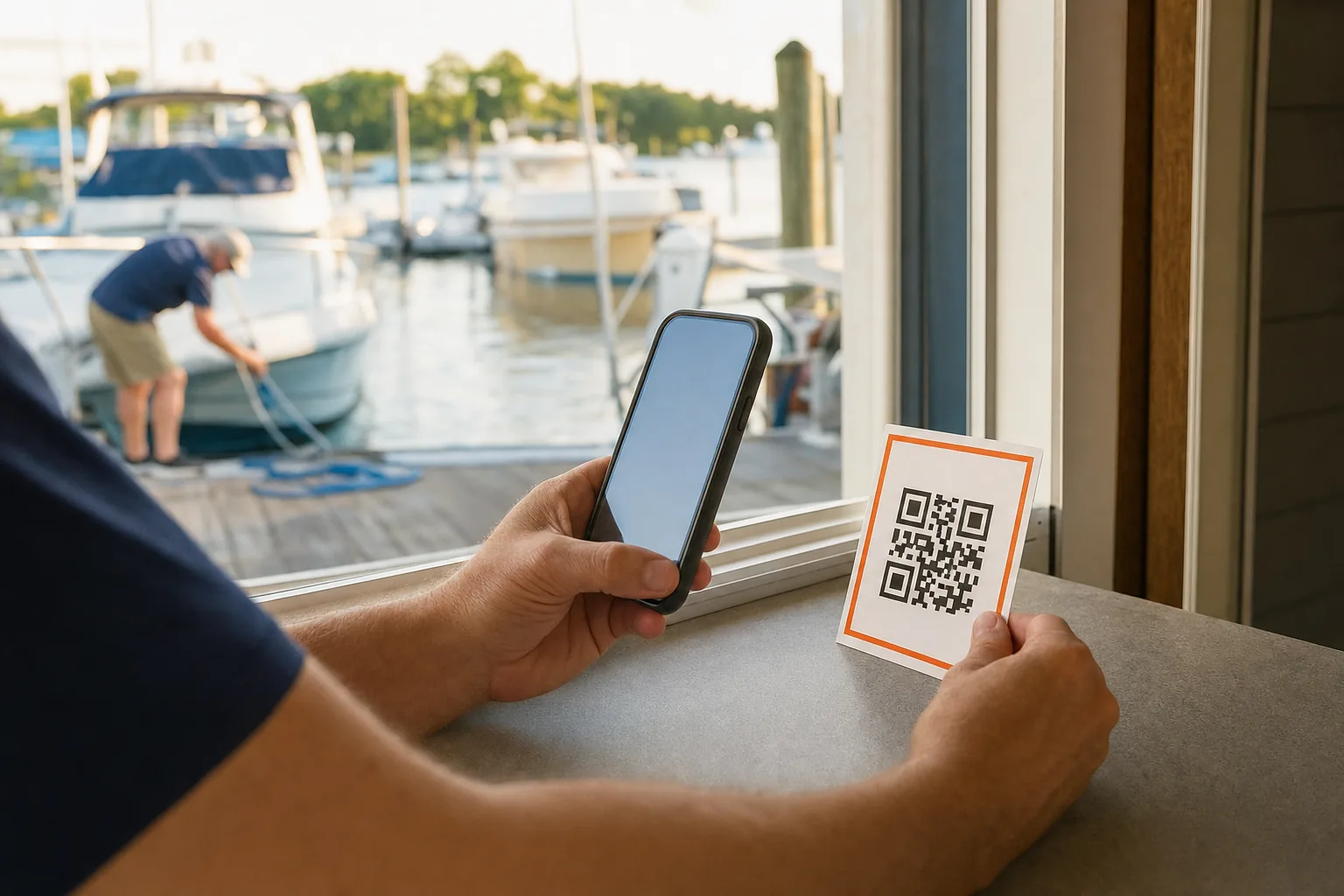
- A QR code near a marina office exit.
- A thank-you page after an inquiry form.
For a physical card, keep the design plain. Say “Share your honest experience on Google” and add the QR code. Do not print “Give us five stars.” That language can make the request feel staged and may conflict with Google’s rules.
QR codes work best when the customer has a few quiet seconds. A card handed over during a rushed launch may be forgotten. A short conversation after the boat owner confirms the work is complete gives the card context.
Your website should also have a clear review link. Put it near trust content, not buried in a footer that no one sees. A page can show selected reviews and give past customers one clear route to add their own.
Keep the review path separate from your contact path. A customer who clicks to leave feedback should not land on a general inquiry form. That adds friction and makes attribution hard to read.
Mobile testing matters for marine businesses because many customers are away from a desk when the ask arrives. A charter guest may open the link at the dock. A service customer may use it from a truck after collecting the boat.
Also check account access. Customers must be signed into a Google Account to leave a review, though Google says that account can use a non-Gmail email address. If a customer says the link does not work, explain that sign-in requirement instead of assuming the link failed.
For a deeper local presence check, our Local SEO for Marine Businesses guide covers the Business Profile details that support review visibility. Reviews work better when the profile has the right category, service area, hours, and business details.
Step 6: Respond to Every Review and Recover Unhappy Customers
Responding to reviews helps you get more Google reviews because it shows future customers that feedback reaches a real person. It also gives unhappy customers a clear path back to a private conversation.
Reply to positive reviews with a specific thank-you. Mention the service or trip when the customer has included it. A response such as “Thanks for the great review” is polite, but it gives future readers little information.
For example, a marina might say, “Thanks for mentioning the dock team. We’re glad the seasonal move-in went smoothly.” A service yard could thank the owner for noting the repair explanation. Keep the reply short and avoid sharing private details.
Negative reviews need more care. Read the work order or booking record before replying. Ask the staff member involved what happened. Then write a calm public response that acknowledges the concern without arguing about every detail.
Use this structure:
- Thank the customer for raising the issue.
- Acknowledge the specific concern.
- State that you want to review the details.
- Move the case to a private channel.
Do not offer a discount in exchange for changing or removing a review. Google’s official guidance prohibits incentives tied to reviews, changes, or removals. It also says businesses can flag reviews that violate content policies, but a low rating alone is not proof of a policy violation.
Google’s guidance on replying to reviews and reporting inappropriate content supports a measured approach. A complaint may reveal a real gap in scheduling, communication, billing, or service quality. Treat it as an operating signal before you treat it as a reputation threat.
Set a response target that your team can meet during the busy season. A manager might review new feedback each morning and assign complaints the same day. The point is consistency, not a polished response written three weeks late.
Track repeated themes. If several charter guests mention unclear pickup instructions, fix the instructions. If service customers keep asking about storage after repair, add that answer to the handoff sheet.
A thoughtful reply cannot erase every bad experience. It can show future customers how your business behaves when a job goes off course. That is valuable proof for high-ticket marine purchases and service work.
Step 7: Track Review Growth and Connect It to Qualified Inquiries
Review growth becomes useful when you connect it to qualified inquiries, not when you chase a large number without context. A qualified inquiry matches the work your business wants, the service radius you can cover, and the customer’s readiness.
Start with a baseline. Record your current review count, average rating, recent review dates, and the main categories shown in customer comments. Then check the top local competitors for the same service. You’re looking for a gap in volume, freshness, or relevance.
Review velocity means the pace at which new reviews arrive. A one-time push may raise the count, but a steady flow looks more natural and gives future customers recent proof. Plan around your real operating cycle. A seasonal charter business may see more requests during peak months, while a service yard can build a steadier cadence.
Track each request source:
- Post-charter message.
- Completed repair follow-up.
- Boat delivery email.
- Marina office card.
- Website review link.
Use a simple monthly sheet if your CRM cannot separate these events. Record requests sent, reviews received, response time, rating, service type, and any inquiry that mentions a review.
Then connect reputation data to the rest of your demand control system. Watch Google Business Profile actions, website visits, quote forms, booking requests, and qualified calls. Paid ads may produce fast inquiry volume, while organic authority from reviews can compound over time. Measure both, but keep their roles clear.
Aquatic SEO helps marine operators connect local visibility with the work mix they actually want. A boat dealer may care about buyer-ready inquiries rather than more site traffic. A service yard may prefer fewer requests that fit its equipment and service radius. A charter operator may track booking dates, group size, and trip type.
Use review language as a source of demand insight. If customers repeatedly mention “engine diagnostics,” “overnight dockage,” or “private charter,” those phrases may point to services worth improving on your website. Do not force keywords into customer requests. Let real language guide your page content.
Our lead generation guide for marine businesses covers the next step: tying local visibility to forms, bookings, and better-fit inquiries. That connection keeps review work tied to revenue instead of vanity metrics.
Review the numbers every month. If requests rise but reviews do not, test the timing or link. If reviews rise but qualified inquiries stay flat, check your profile categories, service pages, and follow-up process. More reviews help, but they cannot fix a weak offer or a confusing booking path.
FAQ: Getting More Google Reviews for a Marine Business
How do I ask boat customers for a Google review?
Ask after the customer confirms that the trip, repair, delivery, or marina service went well. Use a short message that requests an honest review and includes a direct Google link. A personal ask from the staff member who handled the work usually feels more natural than a broad marketing email.
Can I offer a discount for a Google review?
No, you shouldn’t offer a discount, gift, or free service in exchange for a review. Google treats incentives tied to reviews, review changes, or review removal as fake engagement. Ask every customer for honest feedback instead, then use complaints to improve the customer experience.
When should a yacht charter ask for a review?
A yacht charter should ask soon after guests finish a successful trip, while the experience is still fresh. If a guest praises the crew or the route, that is a natural opening for the request. Send the direct link right away, then follow up once if needed.
How can a service yard get more reviews without annoying customers?
A service yard can avoid annoyance by asking once after the owner approves the completed work. Mention the repair or service in the message, keep the link direct, and stop after one follow-up. Do not ask while a billing issue or unresolved complaint is still open.
Do more Google reviews improve local search?
More Google reviews can support local visibility, but review count alone does not guarantee a higher ranking. Google also considers relevance, distance, and other Business Profile signals. Focus on steady, genuine reviews that describe the services and locations your marine business actually serves.
Conclusion
Build the process around the moment your customer feels the work was worth it. Start with one service line, one direct review link, and one follow-up owner this week. If you want help tying reviews to organic authority and qualified marine inquiries, explore Aquatic SEO’s marine business SEO guide next.